Financial Management
Enhance margins, minimize errors, and make more profitable decisions with a comprehensive suite of tools for efficient financial operations.

- Accounting
- Automate key accounting tasks, including journal entries, accounts receivable, and accounts payable.
- Controlling
- Efficiently manage cash flow, track fixed assets, control budgets, and monitor project costs with greater accuracy.
- Banking and Reconciliation
- Accelerate the processing of reconciliations, bank statements, and payments through various methods such as checks, cash, and bank transfers.
- Financial Reporting and Analysis
- Generate standard or customized reports from real-time data to enhance business planning and audit reviews.
- Fixed Asset Management
- Simplify fixed asset management with virtual functions, reducing the need for repetitive manual data entry.
Sales and Customer Management
Manage the entire sales process and customer lifecycle more effectively – from the initial contact to the final sale, as well as after-sales service and support.

- Sales and Opportunity Management
- Track sales opportunities and lead activities from first contact to deal closure.
- Marketing Campaign Management
- Develop, manage, and analyze marketing activities to convert prospects and boost sales.
- Customer Management
- Synchronize and manage customer contacts in one place.
- Service Management
- Create and manage warranty contracts, service agreements, and service calls.
- Reporting and Analysis
- Generate detailed sales process reports using templates.
- Mobile Sales
- Manage sales information on the go with any mobile device.
Purchasing
Streamlines procurement processes by managing purchase orders, supplier relationships, and invoice handling. Helps optimize vendor management and ensure timely procurement.

- Procurement
- Streamline requisition requests, purchase orders, goods receipts, and returns. Improve audits with document matching and multi-currency handling.
- Master Data Management
- Centralize purchasing with detailed data management, account balance views, and purchase analyses.
- Warehouse and Accounting Integration
- Sync goods receipts and inventory in real-time, facilitating purchase planning and automatic accounts payable invoice creation.
- Accounts Payable
- Optimize supply-chain relationships by planning material needs, scheduling purchases, and processing invoices, cancellations, and credit memos.
- Reporting
- Generate real-time integrated reports in various formats for desktop and mobile viewing.
Inventory Control
Oversee detailed item data, managing various transactions, ensuring real-time updates, automating data collection, and generating insightful reports. This enhances operational efficiency and accuracy.
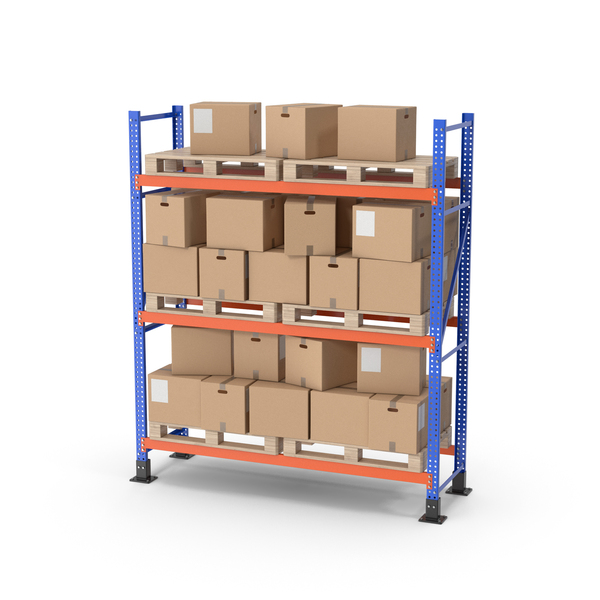
- Master Data Management
- Oversee detailed data for all inventory items, including serial numbers, batch numbers, and catalog numbers.
- Inventory Transactions
- Manage various transactions such as orders, transfers, receipts, and inventory counts.
- Real-time Synchronization
- Maintain real-time updates of goods receipts and inventory levels to support accurate purchase planning.
- Automated Data Collection
- Automatically collect and interpret inventory data, minimizing manual entry and errors.
- Reporting and Analysis
- Create comprehensive reports using real-time data to gain insights into inventory management.
Production
Manages production orders, tracks resource allocation, and monitors manufacturing processes for improved efficiency and cost control.
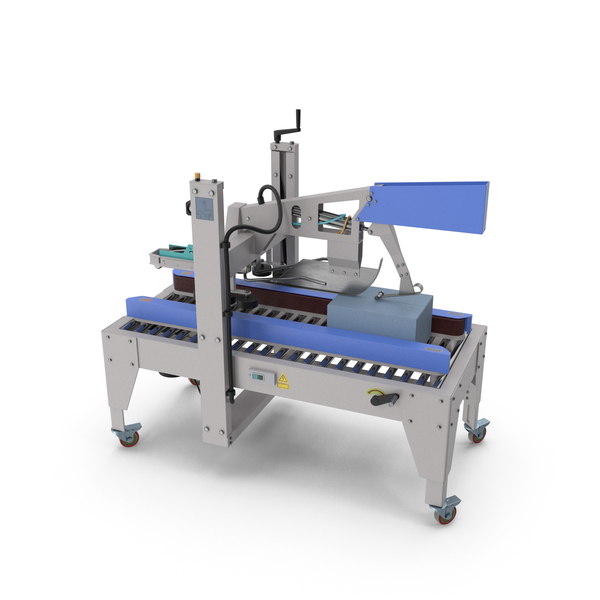
- Bill of Materials (BOM) Management
- Develop and maintain BOMs with components and quantities for finished products.
- Production Orders
- Manage and track manufacturing processes for specific product quantities.
- Routing and Resource Management
- Create routing templates and allocate resources for efficient production.
- Capacity Planning
- Evaluate work center and resource capacity to optimize scheduling and identify bottlenecks.
- Shop Floor Control
- Monitor production activities, recording material usage, labor hours, and machine time.
- Quality Control
- Oversee quality control processes, including inspections and sample testing.
Material Requirements Planning
Automates material planning by analyzing production schedules, inventory levels, and purchase requirements. Ensures timely availability of materials to meet production demands.
- Demand Forecasting
- Anticipate future demand based on sales orders, inventory levels, and forecasts.
- Material Planning
- Identify necessary materials for production and generate purchase or production orders accordingly.
- Inventory Optimization
- Align material availability with demand patterns to minimize inventory holding costs.
- Supplier Lead Time Management
- Account for supplier lead times to ensure timely material receipt.
- Automated Planning Process
- Utilize a wizard-based process to define planning scenarios and automate material planning.
Service Management
Designed to streamline service operations and enhance customer satisfaction by providing a centralized platform for managing service calls, contracts, planning, and resource allocation.

- Service Call Management
- Efficiently create, track, and assign service calls to technicians, with real-time progress monitoring.
- Contract Management
- Handle customer-specific service contracts, define service entitlements, and track renewals.
- Service Planning and Resource Allocation
- Schedule service activities, allocate resources based on availability and skills, and optimize travel routes.
- Service Reporting and Analytics
- Generate detailed reports on service call volumes, response times, technician productivity, and customer satisfaction.
- Mobile Access
- Manage service tickets on the go using the SAP Business One Service mobile app.
- Customer Management
- Consolidate and manage all critical customer data in one place to ensure efficient service delivery and high customer satisfaction.
Project Management
Oversee projects comprehensively by consolidating all project-related transactions, documents, resources, and activities. This module improves project transparency, efficiency, and control.

- Project Planning and Tracking
- Define stages, tasks, dependencies, and milestones to monitor progress.
- Resource Management
- Efficiently allocate and manage resources for optimal utilization.
- Budget Management
- Track expenses and compare actual costs against planned budgets.
- Document Management
- Store and manage project documents for easy access and collaboration.
- Time and Expense Tracking
- Record time and expenses for accurate billing and cost management.
- Reporting and Analytics
- Generate detailed reports and analytics for project insights.
- Integration with Other Modules
- Integrate with SAP Business One modules like Sales, Purchasing, and Finance.
Transform Your Business with Cutting-Edge Cloud and ERP Solutions, in today’s dynamic business environment, staying ahead requires innovative solutions that streamline operations and drive efficiency. That’s where our expertise comes in!
By leveraging our cutting-edge technologies, you can reduce costs, improve productivity, and gain valuable insights to make data-driven decisions. Whether you’re looking to migrate to the cloud, implement an ERP system, or optimize your current setup, we’re here to guide you every step of the way.
Let’s work together to shape the future of your business. Reach out to us to discuss your needs and explore the possibilities.
Deployment Options
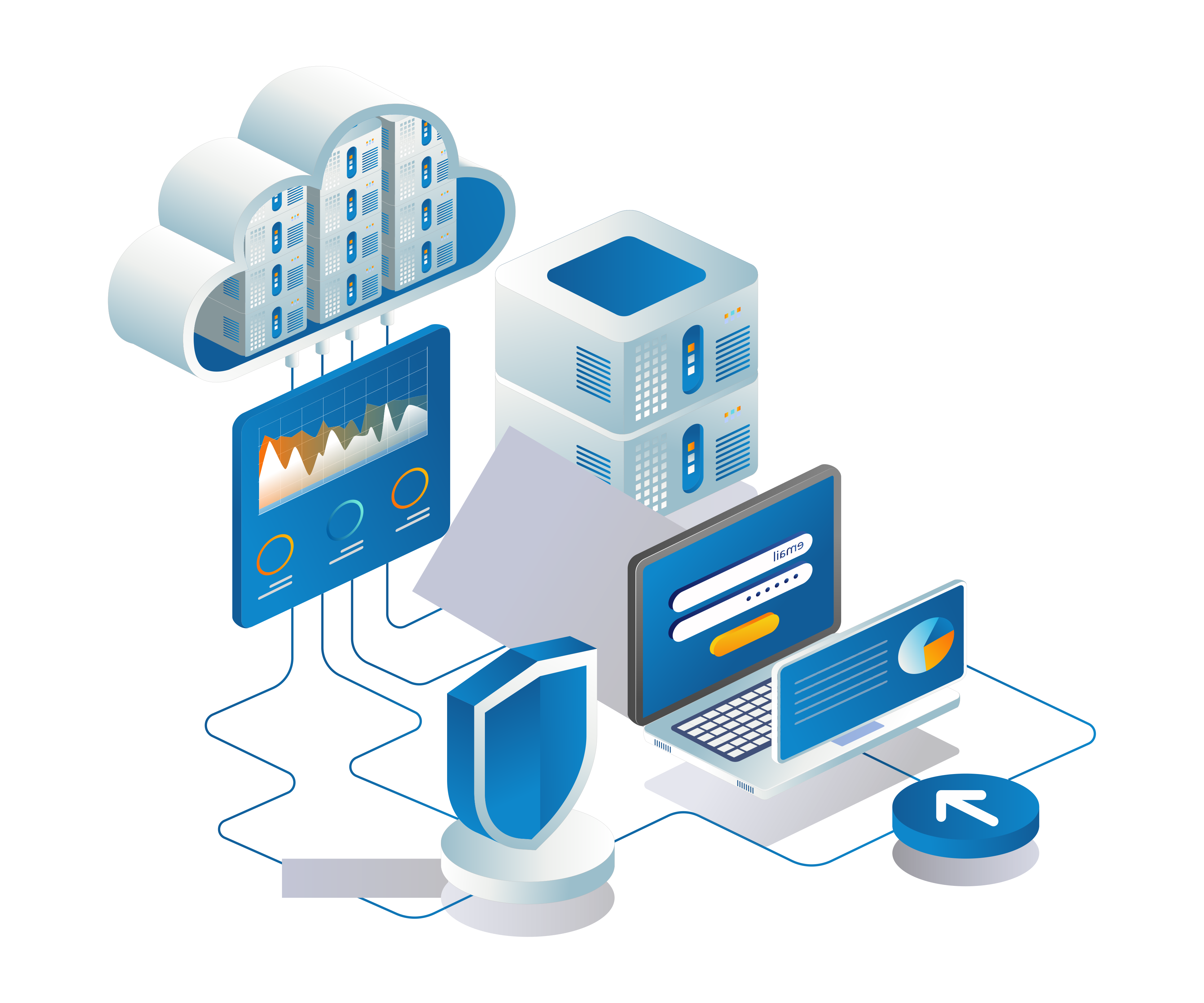
- On-Premise
- Leverage the power of SAP Business One on your own servers, ensuring complete control over your data and security.
- Cloud
- Experience the flexibility and scalability of SAP Business One in the cloud, allowing you to access your data from anywhere, anytime.
- Mobile
- Easily manage your business on the go with the SAP Business One mobile app, providing real-time access to critical information.
Extensibility
- Integration with Third-Party Applications
- Enhance SAP Business One with additional capabilities and processes to address your evolving business requirements. These extensions are developed, marketed, and supported by SAP partners.
- Extension Development
- Utilize the Software Development Kit (SDK) to create custom add-ons and extensions tailored to your specific business needs.
SAP Business One for SQL Server
- Database Technology
- High performance disk storage technology.
- Performance
- Suitable for standard business operations with moderate data processing needs.
- Cost
- Generally lower cost compared to HANA.
- Analytics
- Standard reporting and analytics capabilities.
- Integration
- Strong integration options with widely available applications and Add-Ons.
SAP Business One for Hana
- Database Technology
- High-performance In-memory technology.
- Performance
- Ideal for real-time data processing and analytics.
- Cost
- Higher cost due to advanced technology.
- Analytics
- Advanced analytics features with real-time data aggregation.
- Integration
- Enhanced integration with SAP's ecosystem and external applications via SAP OData web protocol.
Data Management
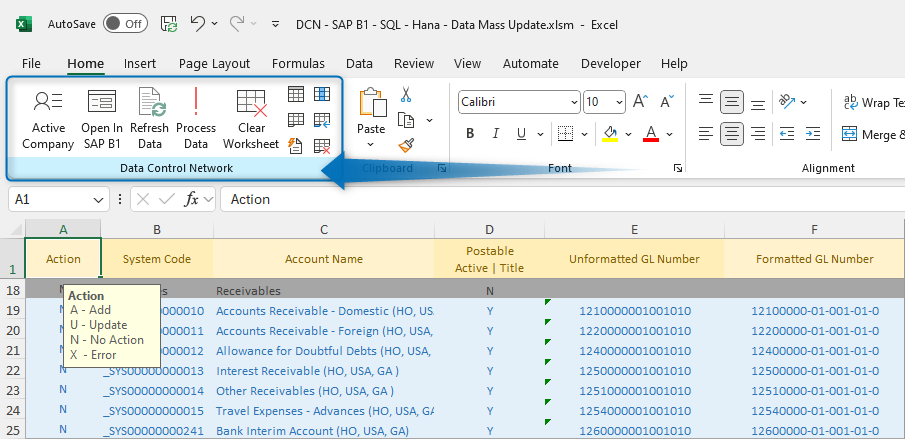
Data Mediator
Our Excel interface is designed to streamline your data management tasks with ease and efficiency. Key functionalities include:- Bulk Data Operations
- Effortlessly export data from your database, and add, update, or delete records in large volumes with just a click.
- Seamless SAP Business One Integration
- Utilize ribbon icons in Excel to open current row directly within SAP Business One.
- This integration allows you to read and modify most objects in SAP Business One
- Flexible Data Reading
- Choose to read data one page at a time or retrieve all objects from the database in one go, providing you with the flexibility to manage your data as needed.
This powerful Excel application is primarily used for migrations and bulk data updates, making it ideal for correcting, adding, or removing records. Enhance your productivity by simplifying complex data operations, making it an indispensable tool for efficient data management.
Configuration Settings ▪ Financials ▪ Business Partners ▪ Inventory ▪ Production ▪ Human Resources ▪ AR Documents ▪ AP Documents ▪ User-Defined Fields and Tables
Intranet
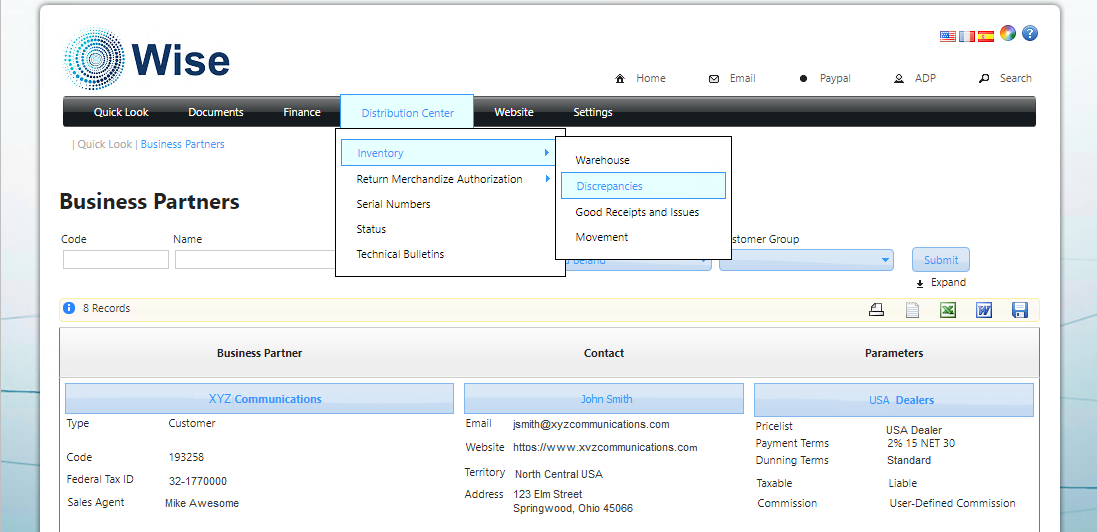
Wise Data
Our Intranet website is designed to provide seamless access to all objects in SAP Business One, ensuring efficient data management and retrieval. Key features include:- Advanced Filtering Capabilities
- Narrow down your search results using multiple filters, allowing you to list data efficiently and find exactly what you need with ease.
- Flexible Access
- Accessible within your internal company network or configured for remote access, this Intranet website ensures you can manage your data from any part of the world.
- Robust Security Measures
- Windows Authentication
- Ensures that only authorized users can access the data, leveraging your existing Windows credentials.
- Active Directory Integration
- Provides seamless user management and authentication, enhancing security and ease of use.
- HTTPS and Secure Certificates
- All data transmissions are encrypted using HTTPS, ensuring that your data remains secure during transit.
- Windows Authentication
This Intranet website not only offers comprehensive access to SAP Business One objects but also prioritizes security, making it a reliable and secure solution for your data management needs. Whether you're working from the office or remotely, you can trust that your data is protected with the highest standards of security.
 +1 954-947-7272

 Miami, Florida, United States